
Salesforce Agentforce is moving beyond computers and phones.
On September 16, 2026, Snap announced that Salesforce is bringing Agentforce to SPECS, its augmented reality glasses. According to Snap’s official enterprise announcement, the companies are exploring ways for workers to access information, receive guidance, and complete tasks while keeping their hands free.
This could be especially useful for Salesforce Field Service teams.
A technician repairing a machine often needs to check work orders, equipment information, instructions, customer details, or service history. Today, that normally means looking at a phone or tablet.
With augmented reality, some of that information could eventually appear directly in the technician’s view.
However, there is an important point to understand. Salesforce has not announced a complete Field Service application for SPECS. The company says its engineers are exploring Agentforce experiences for accessing CRM data and managing Field Service work orders.
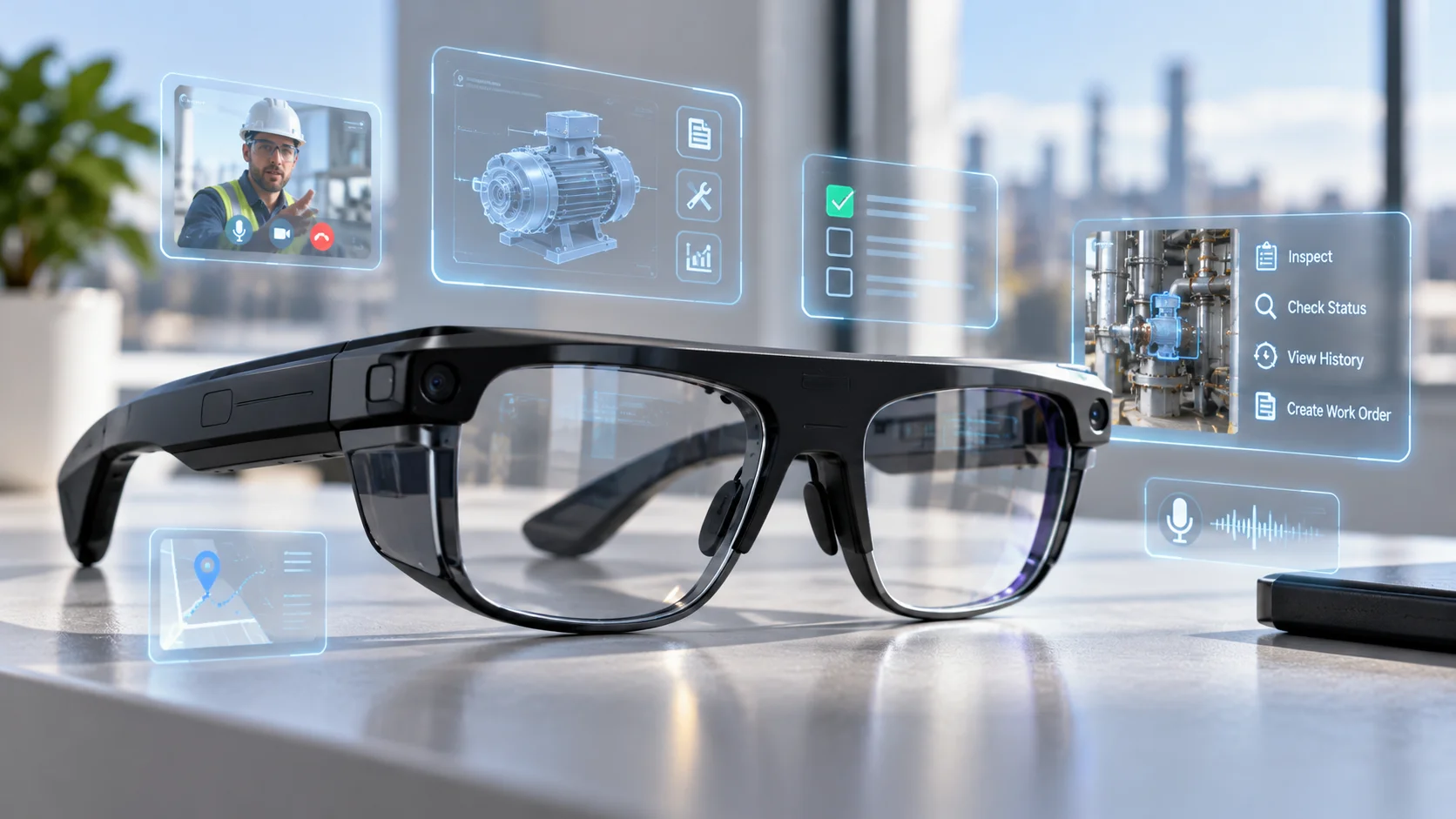
What Are Snap SPECS?
SPECS are augmented reality glasses developed by Snap.
Unlike normal glasses, they can place digital information into the physical world around the user. Salesforce describes them as see-through AR glasses that support natural interaction using hands and voice.
Snap is now positioning the technology for business use, including field service, remote support, retail, and other jobs where employees may need information without constantly looking at another screen.
| Area | What It Means |
| Device | See-through augmented reality glasses |
| Interaction | Hands and voice |
| Business focus | Field service, remote support, retail, and other workplace tasks |
| Agentforce connection | Salesforce is bringing Agentforce experiences to SPECS |
| Field Service status | CRM and Field Service work-order use cases are being explored |
| Current position | Emerging enterprise technology rather than a Field Service mobile replacement |
Snap says Agentforce could allow employees using SPECS to identify what they are looking at, create a case when they find a problem, surface useful information, and update a workflow without moving repeatedly between their work and another screen.
How Could Agentforce Help a Field Technician?
Imagine a technician arriving to repair an industrial machine.
The technician may first need to open Salesforce Field Service, find the work order, check the equipment history, review instructions, and understand what needs to be repaired.
AR could change how some of those steps happen.
A technician could potentially look at equipment and ask Agentforce for related information. Instead of manually searching through records, relevant details could eventually be shown through the glasses.
If another problem is discovered during the visit, Agentforce might also help the worker create a case or update the appropriate workflow.
Salesforce specifically says in its SPECS and Agentforce customer story that the teams are exploring employee workflows involving CRM access, Field Service work orders, inventory, and patient care.
These are promising possibilities, but they should not be confused with features that are already available to every Salesforce customer.
Field Service Already Has an AI Starting Point
The SPECS idea is not starting from nothing.
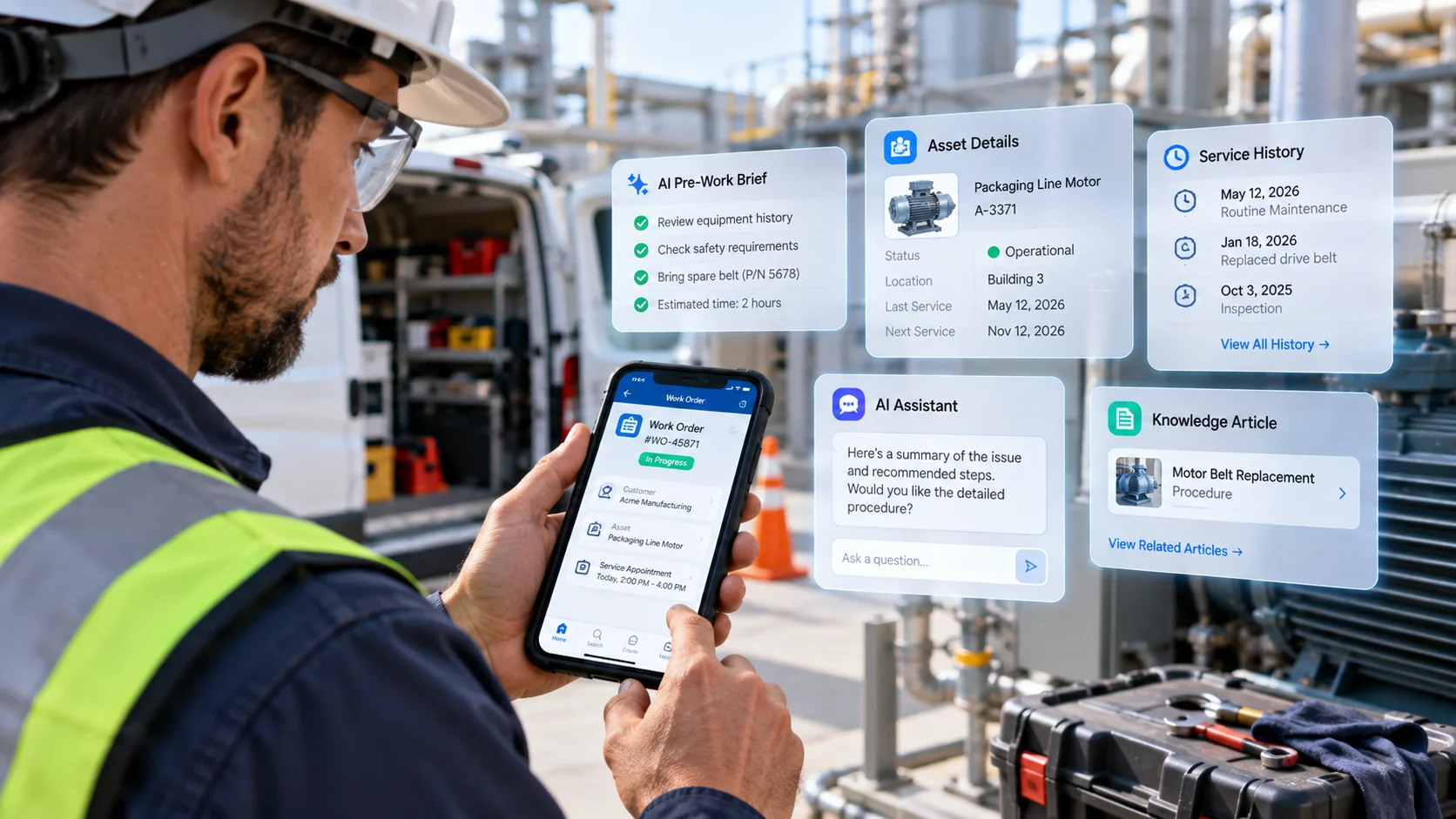
Salesforce Field Service already gives mobile workers access to important Salesforce information while they are away from a desk. Its mobile experience is designed around service appointments, work orders, customer and asset information, and other details technicians need while completing jobs.
Salesforce’s official Field Service mobile documentation explains the current mobile experience and capabilities available to field workers.
Agentforce adds another layer by allowing users to interact with Salesforce information through natural-language requests and approved actions.
For readers who want to understand how those actions, permissions, instructions, and business data work inside Agentforce, the SalesforceKing guide to the Agentforce Specialist exam and core Agentforce concepts explains these building blocks in more detail.
AR could eventually become another interface for using those capabilities.
A phone puts Salesforce information in a technician’s hand. SPECS could potentially put selected information directly in front of their eyes.
Mobile Field Service vs. AR
The biggest difference is where the information appears.
With the Field Service mobile app, technicians normally look down at a phone or tablet.
With AR glasses, useful information could potentially remain visible while the technician looks at the equipment.
That could be helpful when someone is repairing machinery, inspecting equipment, checking parts, following instructions, or performing work that requires both hands.
Snap says SPECS is being designed around this type of workplace experience. Its enterprise strategy focuses on giving employees useful digital information while they keep their hands free and their attention on the task.
The goal is therefore not simply to put Salesforce inside glasses.
The real value would come from giving workers the right information at the right moment without interrupting their work.
Why Visual Context Could Matter?
Agentforce normally needs context before it can help.
A worker may need to search for a customer, open an asset record, find a work order, or explain what problem they are seeing.
AR could reduce some of those steps.
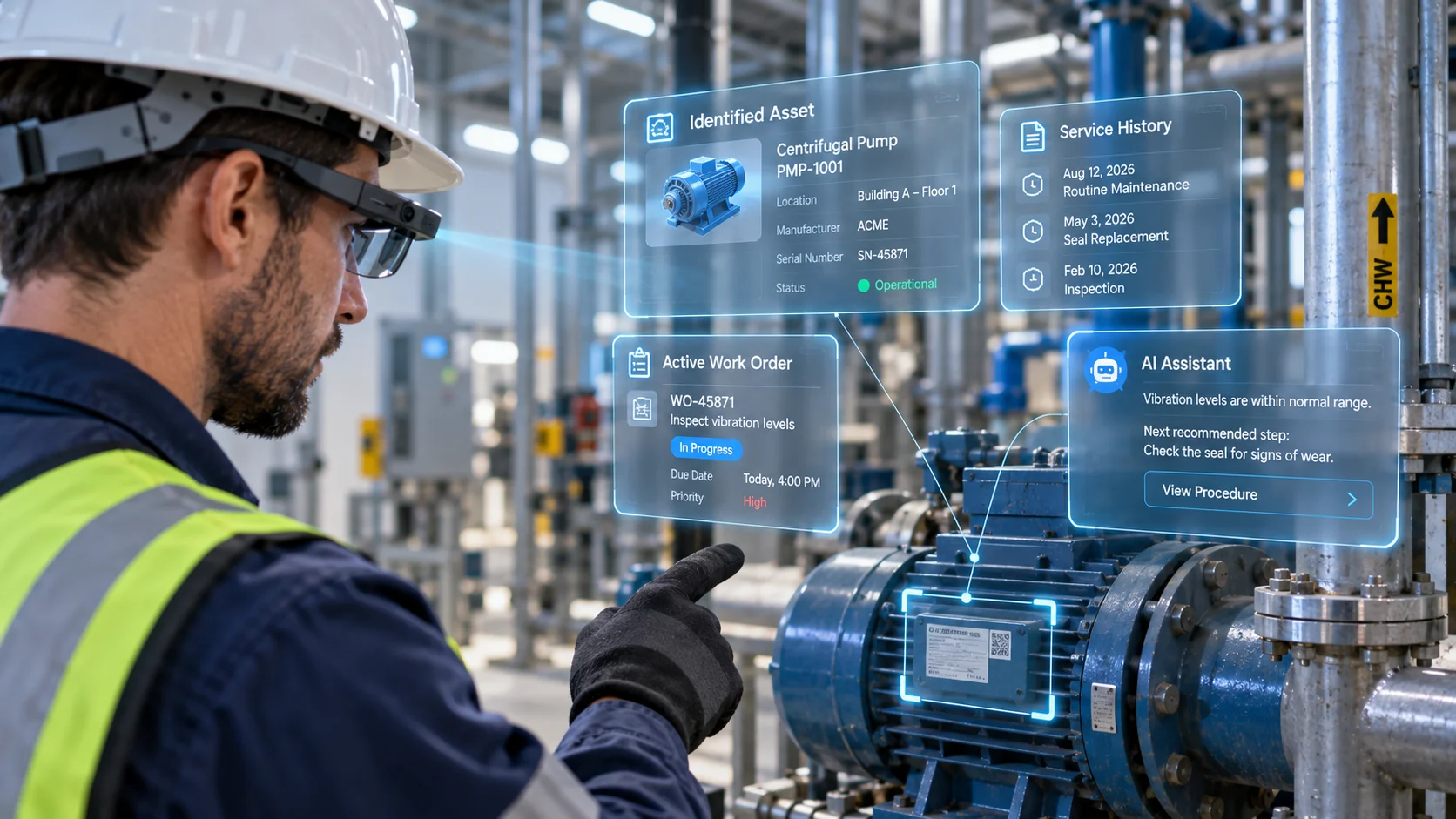
Snap says Agentforce on SPECS can help workers identify what they are looking at and then surface relevant information.
Imagine a technician standing in front of a machine. Instead of manually typing its identification number into an application, the system could eventually help connect what the technician is viewing with the correct business information.
That type of visual context could make AI assistants more useful for people working with physical equipment, inventory, facilities, and products.
It Will Still Need Good Salesforce Data
AR glasses cannot fix bad business data.
If Salesforce contains incorrect asset records, missing service information, outdated instructions, or poor permissions, putting Agentforce into glasses will not solve the underlying problem.
Companies would still need strong:
- Data quality
- Security
- Permissions
- Agentforce actions
- Integrations
- Testing
- Device management
- Employee training
This is especially important because an AI agent may be allowed to do more than simply display information.
If an agent can create cases or update workflows, businesses need clear rules around what the agent is allowed to access and change.
These are similar to the real-world Agentforce deployment problems and data-quality challenges that companies already face when introducing AI agents into Salesforce.
Adding AR changes the way employees interact with Agentforce, but it does not remove the need for reliable data and careful controls.
What Could This Mean for Salesforce Field Service?
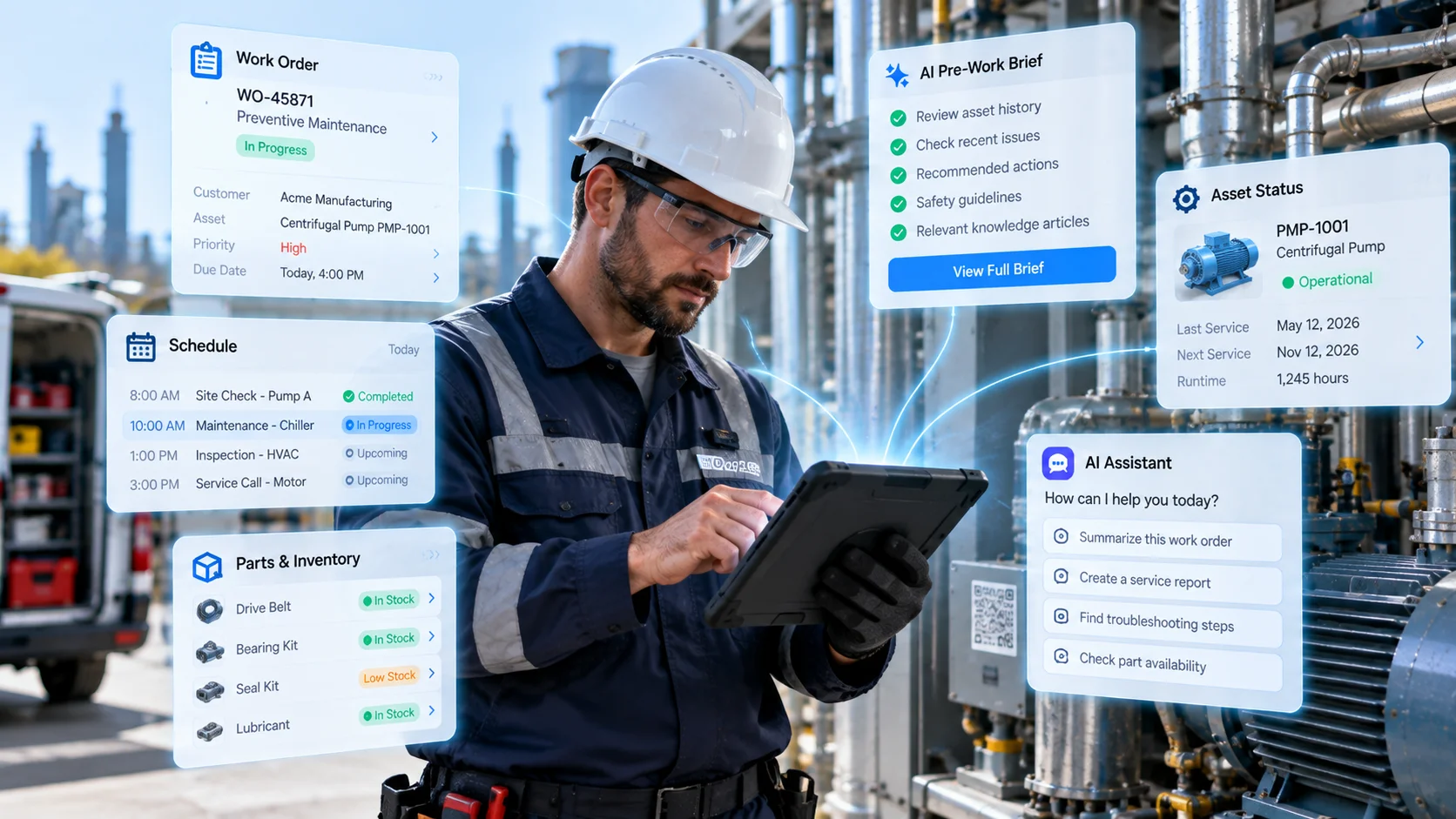
The biggest change may eventually be how technicians interact with Salesforce.
Field Service has already moved work away from desktop computers and onto mobile devices. AI is now making it easier for workers to find information and complete certain tasks.
SPECS could take that idea further.
Instead of stopping work to look at another screen, a technician could potentially receive useful Salesforce information while continuing the job.
That could make Agentforce especially useful for employees who spend most of their day working with equipment rather than sitting at a desk.
For now, Salesforce and Snap are still developing these experiences. SPECS should not be viewed as a replacement for Salesforce Field Service mobile today.
But the direction is worth watching. Salesforce is exploring how Agentforce can move from a screen in your hand into the physical workplace around you. For Field Service teams, that could eventually make AI assistance feel less like opening another application and more like having useful Salesforce information available exactly when it is needed.