
Data modeling questions on the Salesforce Platform App Builder exam test whether you can translate a business requirement into a workable Salesforce structure. The exam is not mainly asking whether you can define a lookup relationship or name a custom object. It is asking what should be stored, where it should be stored, and how records should relate.
A good answer must account for ownership, sharing, deletion behavior, reporting, and aggregation. Data modeling should therefore be studied as a design skill, not as a list of feature names.
What Data Modeling Means in Salesforce?
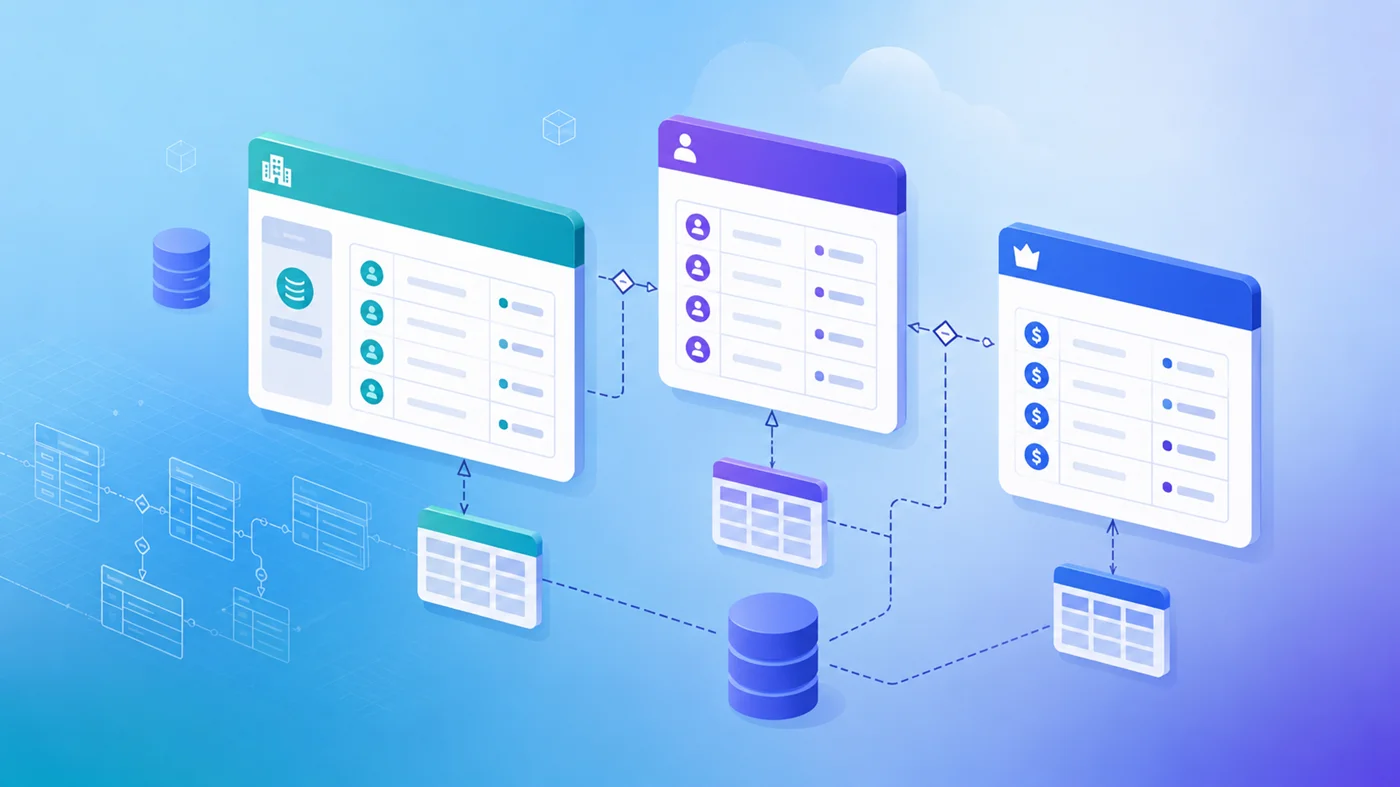
In Salesforce, an object represents a business entity, a record represents one instance of that entity, and a field stores an attribute.
For example, Account can represent a company, while fields store its industry, phone number, and billing address. Relationships connect the Account to Contacts, Opportunities, or custom records.
Start With Standard Objects
Before creating a custom object, decide whether Salesforce already provides a suitable standard object.
Accounts usually represent organizations, Contacts represent people, Opportunities track potential sales, and Cases represent support issues. When a standard object matches the business purpose, extending it with custom fields is usually better than creating a duplicate structure.
A custom object is appropriate when the organization must track a separate record type that the standard model does not represent well. An equipment company may need an Inspection object because each inspection has its own result, status, and related equipment record.
Decide Between an Object and a Field
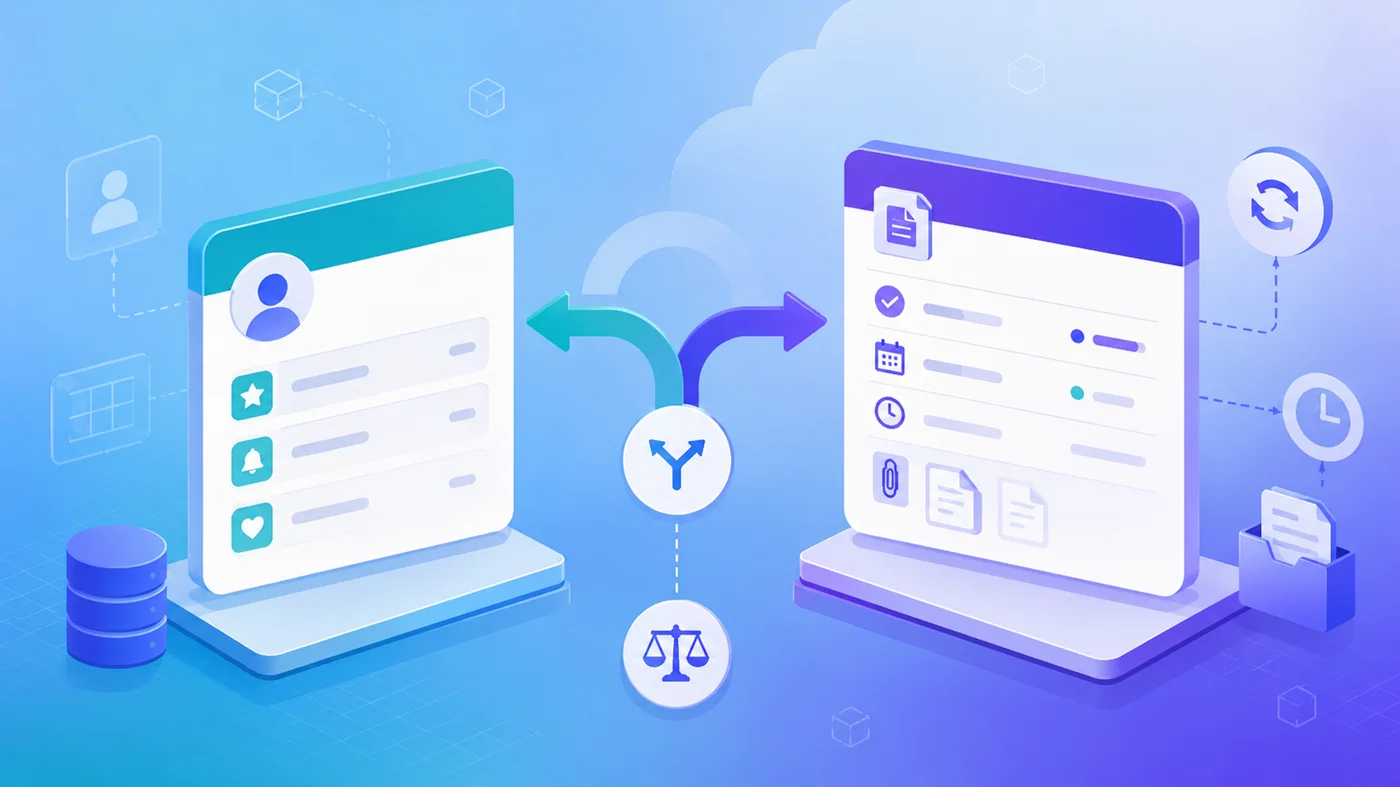
A field is suitable when the information only describes an existing record. A customer’s preferred contact method is an attribute, so it belongs in a field.
A separate object is suitable when the information has its own identity or lifecycle. A service contract may have a contract number, dates, approval status, renewal process, and related documents. One Account may also have several contracts.
Ask whether the information needs multiple records, its own status or process, separate reporting, or a related list. A descriptive value usually belongs in a field. A repeatable business item usually belongs in an object.
Choose Field Types Carefully
Field types affect how Salesforce stores, validates, filters, and reports data.
A telephone number should not be stored as a Number field simply because it contains digits. Phone values may include leading zeros, country codes, spaces, or plus signs. A controlled status such as Draft, Submitted, or Approved is usually better stored in a picklist than in unrestricted text.
Changing an existing field type can alter stored values and affect formulas, flows, reports, filters, and other configuration that references the field.
Choose a field type according to the meaning and future use of the data, not only according to how the value currently looks.
Compare Lookup and Master-Detail Relationships
Lookup and master-detail relationships both connect parent and child records, but they produce different behavior.
| Design Question | Lookup Relationship | Master-Detail Relationship |
| Can the relationship be optional? | Yes, unless required | No |
| Can the child have an independent owner? | Yes, when the child object supports ownership | No |
| Can the child use separate sharing? | Yes, according to its own sharing model | No |
| Is the child deleted with the parent? | Not normally | Yes |
| Are native roll-up summaries available? | No | Yes |
A lookup relationship creates a loose connection. The child can usually exist independently and retain its own ownership and sharing model.
Suppose Project records relate to Accounts, but each Project needs a separate owner and access rules. Lookup is the better choice because the Project should remain independent.
A master-detail relationship creates dependency. The detail record requires a master, inherits access through that master, and is deleted when the master is deleted.
Expense Reports and Expense Line Items provide a common example. A line item has little purpose without its report, should be available to the same users, and should disappear when the report is deleted.
Do not choose master-detail only because the parent field must be required. A lookup can also be configured as required. Ownership, sharing, deletion, reporting, and aggregation are the real decision points.
Understand Roll-Up Summary Fields
A roll-up summary field displays an aggregate value on the master record using related detail records. Salesforce supports COUNT, SUM, MIN, and MAX.
Native roll-up summary fields require a master-detail relationship. An ordinary lookup relationship does not support them.
A scenario may ask for a parent total while also requiring the child to have an independent owner. Master-detail would provide the roll-up but remove independent child ownership. The relationship must satisfy the security requirement before the calculation requirement.
Model Many-to-Many Relationships with a Junction Object
A many-to-many relationship exists when records on both sides can connect to several records on the other side.
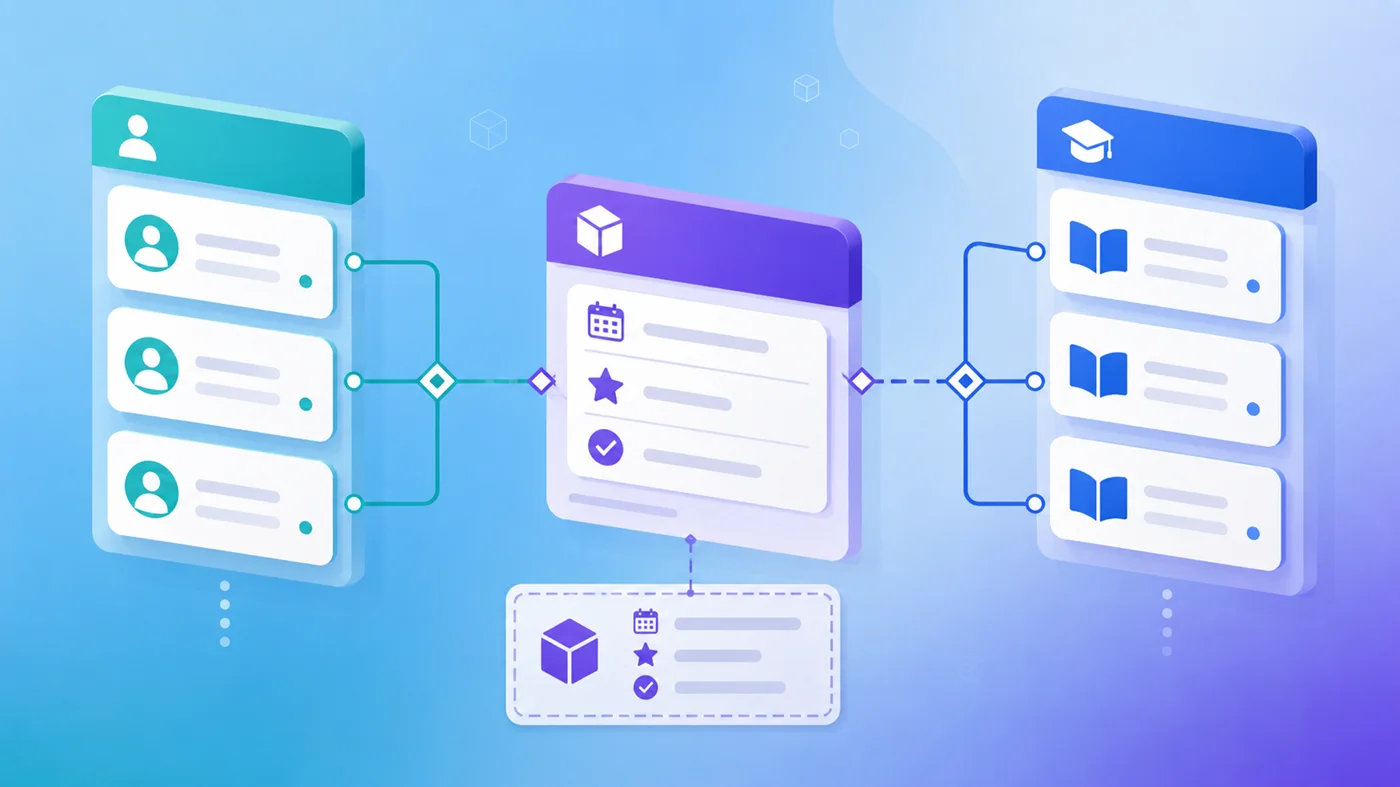
For example, one Student may attend several Courses, and each Course may include several Students. Salesforce models this through a junction object such as Enrollment, which normally contains two master detail relationships – one to Student and one to Course.
Enrollment connects Student and Course and can store the enrollment date, attendance, grade, or completion status. These values describe one student’s participation in one course.
On the exam, phrases such as “many records on both sides” or “store details about each association” usually indicate a junction object.
Distinguish Hierarchical and Self-Relationships
A hierarchical relationship is available for the User object and can connect one user to another, such as a manager.
A self-lookup connects records from an object to other records of that same object. An Account can refer to a parent Account, or a Course can refer to another Course as a prerequisite.
Use a hierarchical relationship for User-to-User requirements. Use a self-lookup when records within another object need to relate to one another.
Use Schema Builder to Review the Model
Schema Builder provides a visual workspace for viewing standard objects, custom objects, fields, and relationships. It can also create supported objects, fields, lookup relationships, and master-detail relationships.
Schema Builder does not decide whether the design is correct. It will not determine whether a child needs independent ownership, whether parent deletion should remove the child, or whether a roll-up summary is required.
The tool shows the structure. The app builder must evaluate the business consequences.
Apply a Consistent Method to Exam Questions
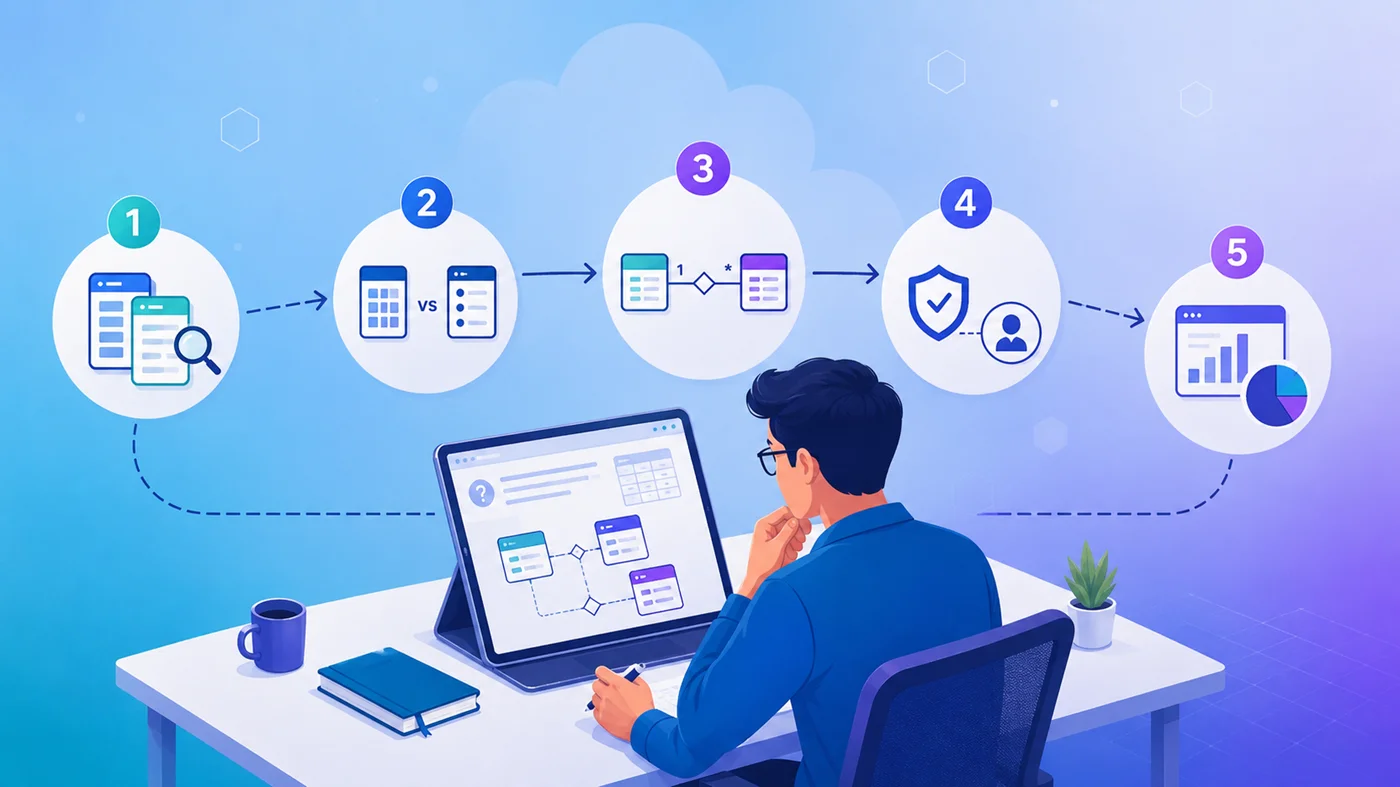
For each data-modeling scenario:
- Identify the business entities.
- Decide what belongs in an object and what belongs in a field.
- Determine whether the relationship is one-to-many or many-to-many.
- Check whether the child can exist independently.
- Review ownership, sharing, deletion, reporting, and aggregation requirements.
Avoid selecting an answer because it offers one attractive feature. A master-detail relationship may provide a roll-up summary, but it is unsuitable when the child requires separate ownership.
What Matters Most on Exam Day?
A focused Salesforce Platform App Builder study program should include hands-on work with standard objects, custom objects, lookup relationships, master-detail relationships, junction objects, and Schema Builder.
SalesforceKing recommends building the same parent-child model in more than one way and comparing the resulting ownership, access, deletion, reporting, and roll-up behavior.