
Salesforce Winter ’27 brings several useful changes for admins and developers. Flow Builder gets better testing and organization tools, Apex receives much higher heap limits, Lightning Web Components become more flexible, and Salesforce is bringing Agentforce Sales directly into Slackbot.
There is one important point before exploring the features. Winter ’27 is still in preview. Salesforce says the Winter ’27 sandbox preview begins on August 28, 2026. Preview instances are scheduled for upgrade on August 28 and 29, while non-preview instances move to Winter ’27 on October 9 and 10, 2026.
Salesforce also warns that Beta and Developer Preview features can change before general availability. Official Salesforce Winter ’27 Release Notes

Salesforce Winter ’27 at a Glance
| Area | Winter ’27 Update | Current Status or Impact |
| Flow | Flow Test Mode | Beta |
| Flow | Flow Tags and better organization | Easier Flow management |
| Flow | Mass Screen Flow actions | Process multiple records |
| Apex | Higher heap limits | 10 MB synchronous, 25 MB asynchronous |
| Apex | Real HTTP integration tests | Developer Preview |
| Development | Apex Symbol API | Beta |
| SOQL | FORMULA() in WHERE clauses | Beta |
| LWC | Complex template expressions | Generally Available |
| Slack | Agentforce Sales in Slackbot | Admin setup required |
Why Salesforce Winter ’27 Matters?
Winter ’27 is not just about adding more AI features. Salesforce is also improving the core tools that admins and developers use every day.
Admins get stronger Flow testing, organization, troubleshooting, and bulk-processing capabilities. Developers get more memory for Apex transactions, new testing options, improvements to SOQL, and more flexible Lightning Web Components.
If you work across both sides of the platform, our guide to Salesforce Admin vs. Developer certification paths explains how Flow, Apex, SOQL, APIs, and LWC fit into each role.
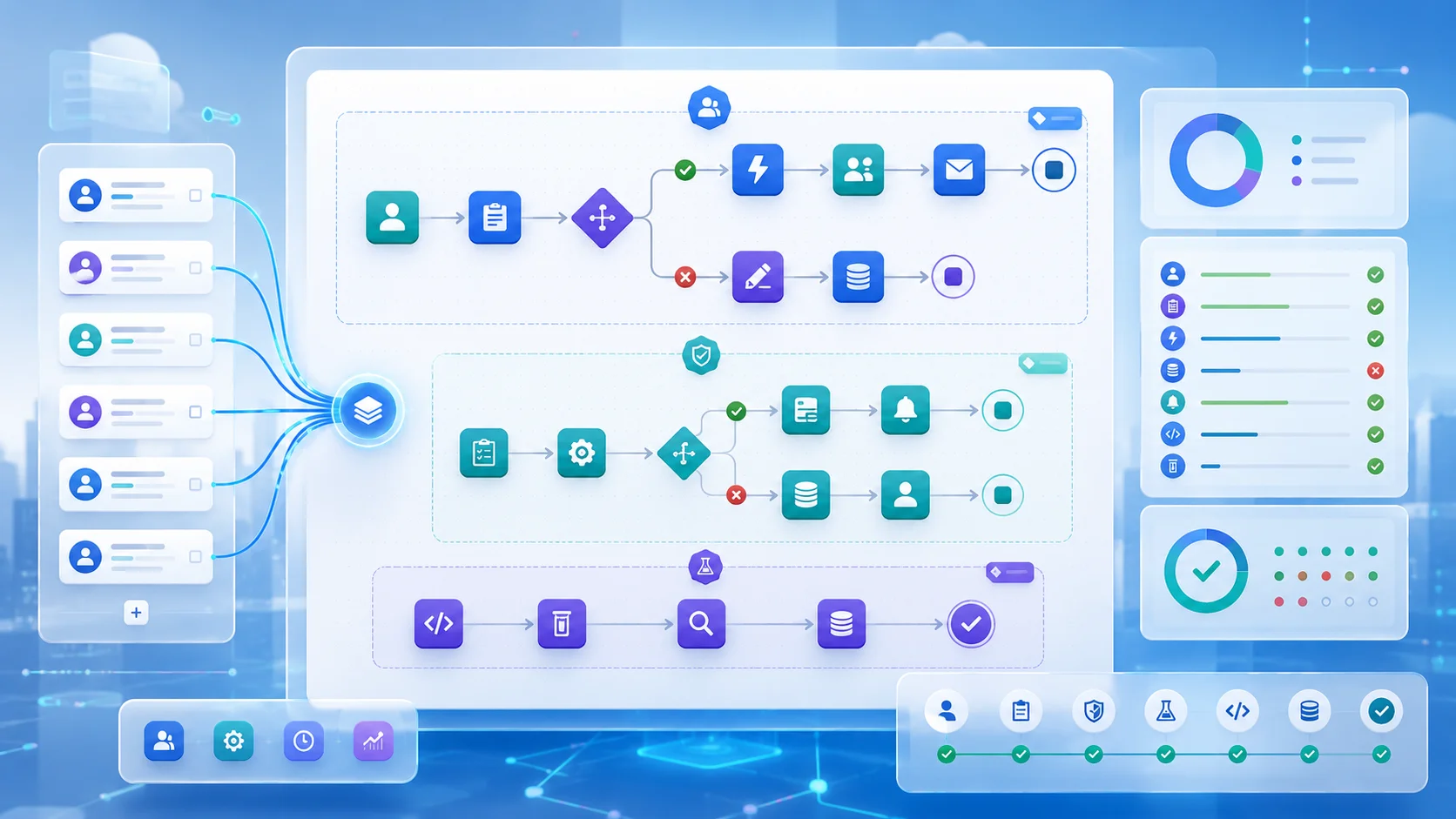
Top Flow Updates in Salesforce Winter ’27
Flow Test Mode Makes Testing More Repeatable
One of the strongest Flow additions is Flow Test Mode, which Salesforce currently labels Beta.
Test Mode lets builders switch between building and testing in one place. You can debug a Flow, save reusable test scenarios, and add assertions that check whether expected results pass or fail.
Salesforce currently documents Test Mode for autolaunched and record-triggered flows. It also introduces Beta mock outputs for Action and Subflow elements, allowing a Flow to be tested without depending on a live external system. Salesforce Flow Testing and Debugging documentation
What this means in practice: after changing an important automation, an admin can rerun saved scenarios instead of rebuilding the same test setup each time.
For learners building their Flow skills, the Salesforce Administrator 6-week study plan also covers Flow Builder and automation practice.
Flow Tags Make Large Flow Libraries Easier to Manage
Winter ’27 introduces Flow Tags. Teams can classify Flows using categories such as department, purpose, application, or business process and then filter the Flow list using those tags.
Salesforce also adds Flow Edit History, element grouping, and an Unused Resources filter. These tools are designed to make complex automation easier to understand and maintain.
For a small org with only a few Flows, tags may not change much. For a large org with dozens or hundreds of automations, they can make finding the right Flow much easier.
Catch Problems Earlier and Process Records in Bulk
Flow Builder can now detect certain field-length violations and missing required fields when a Flow is saved. This gives builders a chance to fix problems before users encounter them at runtime.
Another useful change is support for running a Screen Flow as a mass quick action from supported list views and related lists. Users can select several records and send them through the same guided process instead of opening each record separately.

Major Apex and Developer Updates
Apex Heap Limits Increase Significantly
One of the most important Winter ’27 developer changes is the increase in Apex heap limits.
| Apex Transaction | Previous Limit | Winter ’27 Limit |
| Synchronous Apex | 6 MB | 10 MB |
| Asynchronous Apex | 12 MB | 25 MB |
Heap memory is the working memory an Apex transaction uses to hold objects, collections, strings, query results, and other data while code runs.
Salesforce confirms that synchronous heap increases from 6 MB to 10 MB, while asynchronous heap increases from 12 MB to 25 MB. The new limits are enabled automatically according to the Winter ’27 release schedule.
What this means in practice: developers get more breathing room when working with larger collections or payloads. However, efficient code still matters because the governor limit has increased, not disappeared.
For a deeper explanation of designing around platform constraints, see our guide to Salesforce governor limits and scalable architecture.
Apex Integration Tests Can Call Real HTTP Endpoints
Winter ’27 introduces Apex Integration Tests that can call real HTTP endpoints without requiring mock callouts.
This feature is currently Developer Preview and Salesforce documents it for scratch orgs in Developer editions. It can help expose problems such as authentication failures, timeouts, and serialization mismatches that a mocked response may not reveal.
Salesforce explicitly warns developers not to build production functionality around Developer Preview tools.
Admins moving toward more code-heavy work can also use our guide on how to transition from Salesforce Admin to Developer.
Apex Symbol API and SOQL FORMULA()
The new Apex Symbol API is currently Beta. Salesforce says it provides richer information about built-in, custom, and dynamic Apex types. This can help IDEs, code-analysis tools, and AI-assisted development tools understand Apex code more accurately.
SOQL also gains the FORMULA() function in Beta. It allows supported arithmetic calculations directly inside a WHERE clause, including comparisons between field values. This can reduce the need for an extra formula field or Apex post-processing in some situations.
Lightning Web Components Become More Flexible
Winter ’27 makes complex template expressions Generally Available for Lightning Web Components. Developers can use a supported subset of JavaScript expressions directly in an LWC template instead of creating extra JavaScript simply to prepare display values.
Salesforce also makes third-party web components in LWC Generally Available, giving developers more flexibility when building custom interfaces.
Developers studying Apex, SOQL, governor limits, and LWC can also review our Salesforce Platform Developer practice questions.

Salesforce and Slack Get More Connected
Agentforce Sales Comes Directly to Slackbot
Salesforce’s Winter ’27 release notes include a clear Slack update: Agentforce Sales is available directly in Slackbot.
Salesforce says this brings Sales agents into the Slack workflow. It also introduces a dedicated Go page intended to make administrator setup easier.
The practical benefit is simple. Sellers can work with relevant Salesforce capabilities from Slack without switching applications for every task.
This does not mean Slack is replacing Salesforce, and Salesforce has made no Winter ’27 announcement saying that it will.
If Agentforce itself is still new to you, our Salesforce Agentforce Specialist Exam Guide explains agents, actions, data, permissions, testing, deployment, and governance in beginner-friendly language.
Beta, Developer Preview, and GA: Know the Difference
Not every Winter ’27 feature has the same status.
| Feature | Current Status |
| Flow Test Mode | Beta |
| Flow Action and Subflow mock outputs | Beta |
| Apex Symbol API | Beta |
| SOQL FORMULA() | Beta |
| Real HTTP callouts in Apex Integration Tests | Developer Preview |
| Complex LWC template expressions | Generally Available |
| Third-party web components in LWC | Generally Available |
A Beta feature can still change. A Developer Preview is earlier-stage functionality intended for evaluation rather than production dependence. Generally Available features have reached Salesforce’s normal production release stage.
Salesforce also states that the overall Winter ’27 release documentation is currently in preview, so feature status should always be checked before implementation.
What Should Admins and Developers Do Next?
Admins should review important Flows and identify where saved tests, Flow Tags, groups, early validation, or mass Screen Flow actions could make automation easier to maintain.
Developers should check Apex transactions that currently approach heap limits and explore the new API and testing capabilities in appropriate nonproduction environments.
Most importantly, do not treat Beta and Developer Preview features as if they have the same maturity as GA functionality.
Final Takeaway
Salesforce Winter ’27 delivers meaningful improvements without requiring admins and developers to completely change how they work.
Flow becomes easier to test, organize, troubleshoot, and scale. Apex receives substantially more heap memory. SOQL and LWC gain useful development options, and Agentforce Sales moves deeper into Slack.
Winter ’27 is still in preview, so the safest approach is to explore new functionality in the right test environment and check the latest Salesforce documentation before using Beta or Developer Preview capabilities in production.