
If you’ve spent time building solutions in Salesforce, you know that data architecture is more than just modeling objects and fields. Designing for scale, protecting data, and respecting Salesforce Governor Limits are core architectural responsibilities. When done well, these decisions prevent performance problems, secure sensitive information, and keep your org running smoothly even as users and data grow.
This guide shares practical insights for architects who want to design systems that endure. It is written in a conversational tone, as if we’re sitting down over coffee talking about real scenarios you face day to day.

Why Scale, Security, and Limits Matter?
In Salesforce, every org shares the same platform resources with thousands of others. That multitenant architecture is powerful, but it means Salesforce enforces constraints to ensure fair and reliable use across all customers. These constraints include limits on database operations, code execution, API usage, and more. If you don’t design with these constraints in mind, you’ll hit errors, slow down processes, or expose sensitive data unintentionally.
If you are on the path to becoming a Salesforce Certified Platform Data Architect, these are the types of real-world challenges you must solve. Successfully tackling them is also part of the Updated Salesforce Data Architect Journey 2026, which emphasizes scalable, secure, high-performing data designs.
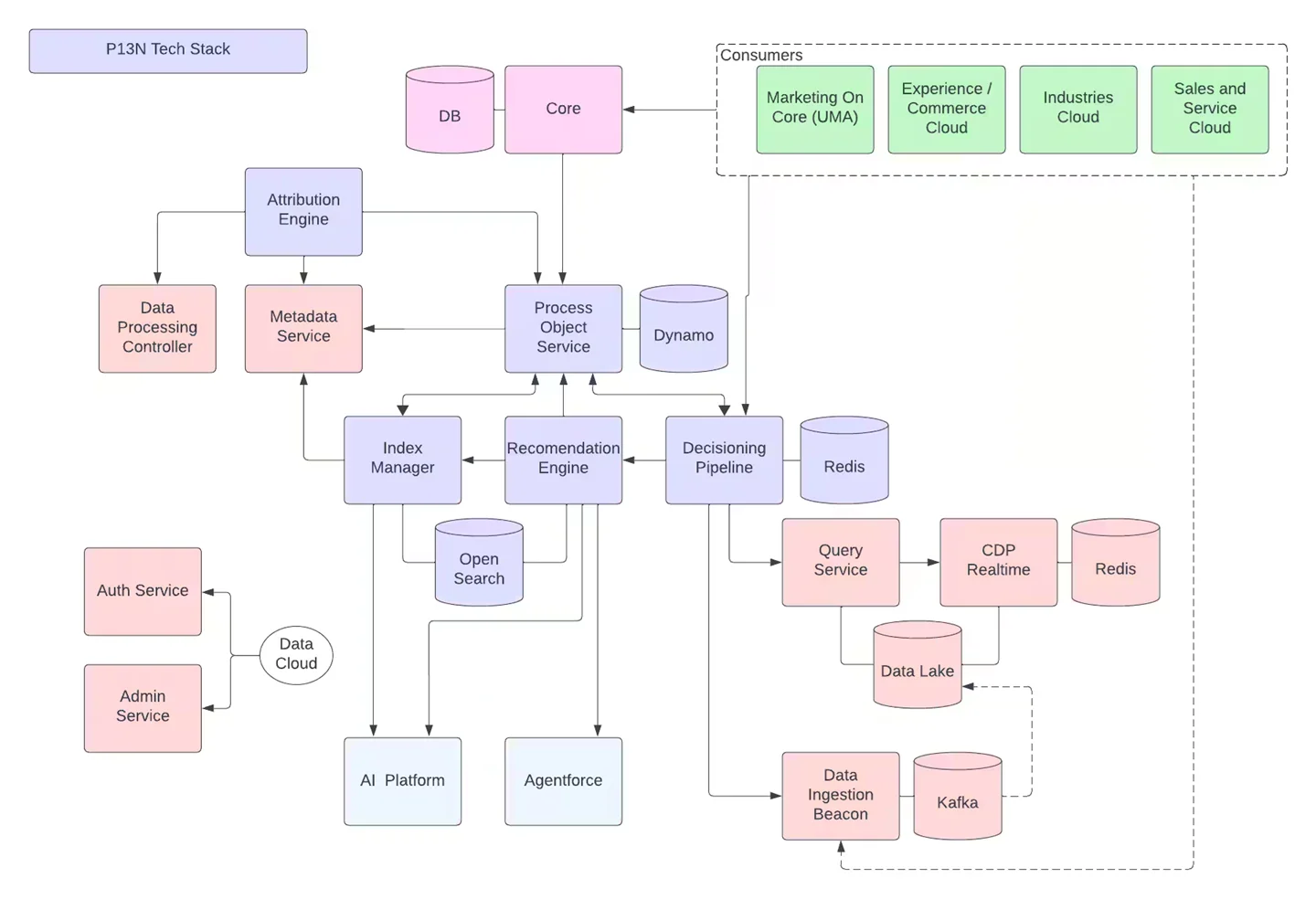
Designing for Scale: Building Flexible and Efficient Models
A scalable data model does more than store lots of records. It anticipates growth and ensures performance doesn’t degrade as data volumes increase.
Salesforce is built on a metadata-driven database system. Objects, fields, and relationships define how data is stored, queried, and related to one another. Remember that performance can change dramatically as you go from thousands to millions of records.
Start with the right object choice
- Use standard objects for core data types when possible. Salesforce optimizes these behind the scenes.
- Big Objects are designed for massive data sets that do not need frequent interactive querying, like event logs or historical records.
Keep relationships manageable
Too many lookup relationships can slow down list views and reporting because each relationship requires additional work at query time. Review whether all relationships are necessary, or whether some data can be referenced differently.
Index thoughtfully
Salesforce automatically indexes certain fields like primary keys, but custom indexes are invaluable for frequent filters or queries. Designing selective queries with indexed fields improves performance dramatically at scale.
Practical example: If you have 10 million account notes and your reports routinely filter by a custom field, creating a custom index and making the query selective will keep the report responsive even under heavy load.
Securing Data without Sacrificing Performance
Security in Salesforce is multi-layered. It includes object and field access controls, sharing rules, and audit mechanisms. Done right, it protects data without adding unnecessary load.
Here are key practices:
- Use least privilege access
Roles, profiles, and permission sets control who can see and modify what. Apply the “least privilege” principle so users have exactly the access they need, no more.
- Manage sharing rules with intent
Sharing rules and org-wide defaults ensure proper access boundaries, but overly complex sharing calculations can slow record saves, especially with large data volumes.
- Don’t forget field-level security
Field-level security protects sensitive information like financial figures or personal identifiers. This is enforced at the platform level, even in code and APIs.
- Audit activity
Enable monitoring and audit trails to understand access patterns and quickly spot anomalies. This supports compliance and helps you diagnose security issues before they affect users.
Scenario: A support team should see open case details but not customer credit limits. Applying object-level security and field-level restrictions ensures sensitive data stays confidential without affecting everyday support workflows.
Navigating Salesforce Governor Limits
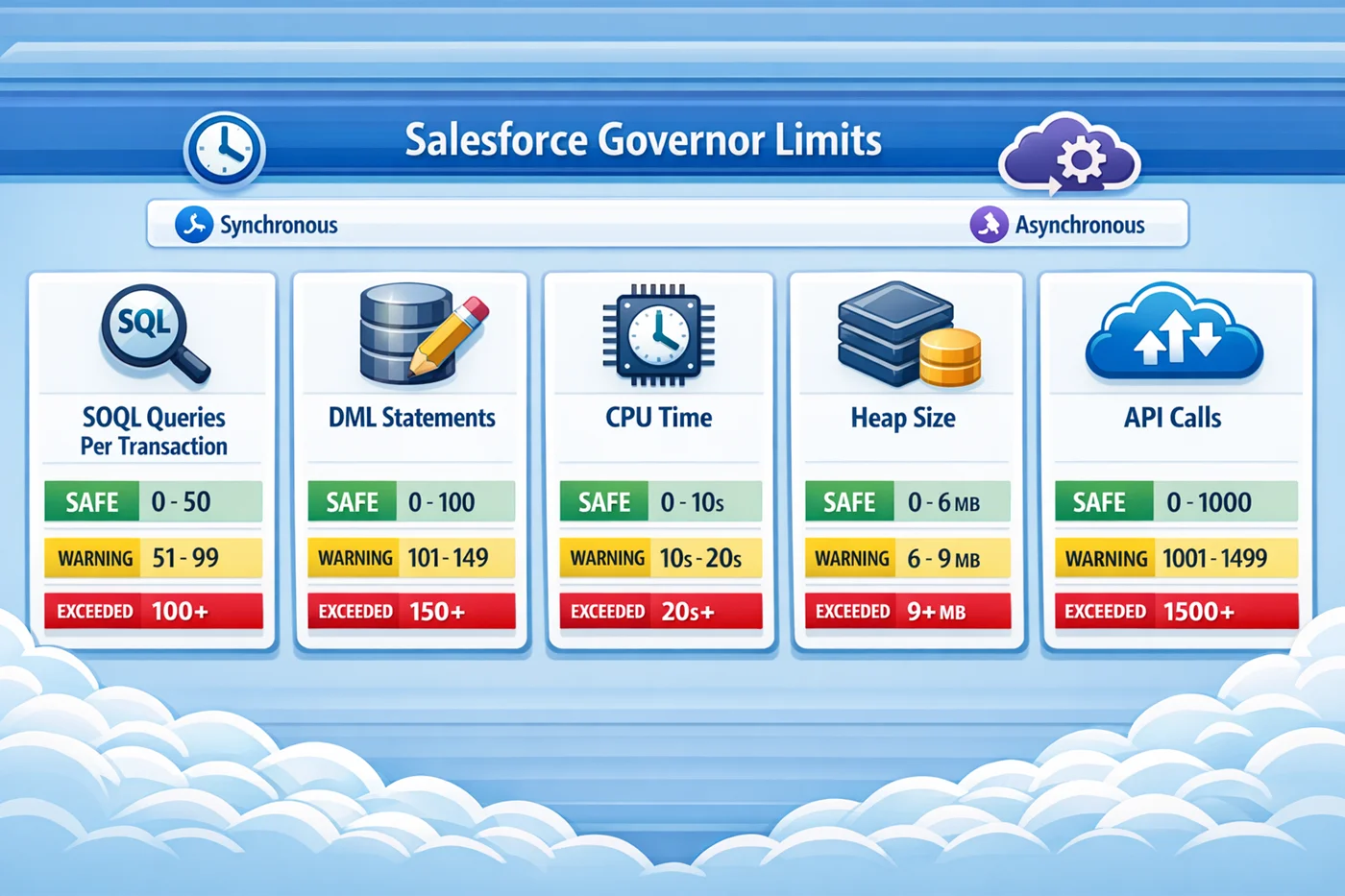
Governor Limits exist because Salesforce runs on shared infrastructure. These limits ensure that no single org monopolizes compute or storage resources. If you hit a limit, the transaction fails with an exception.
Here are common limits and how to design around them:
SOQL and DML limits
- You can only run a limited number of SOQL queries and DML operations per transaction.
- Avoid putting SOQL or DML statements inside loops.
- Use bulk patterns that collect records and perform operations in a single call.
CPU time and heap size
- Long-running synchronous operations can exceed CPU limits.
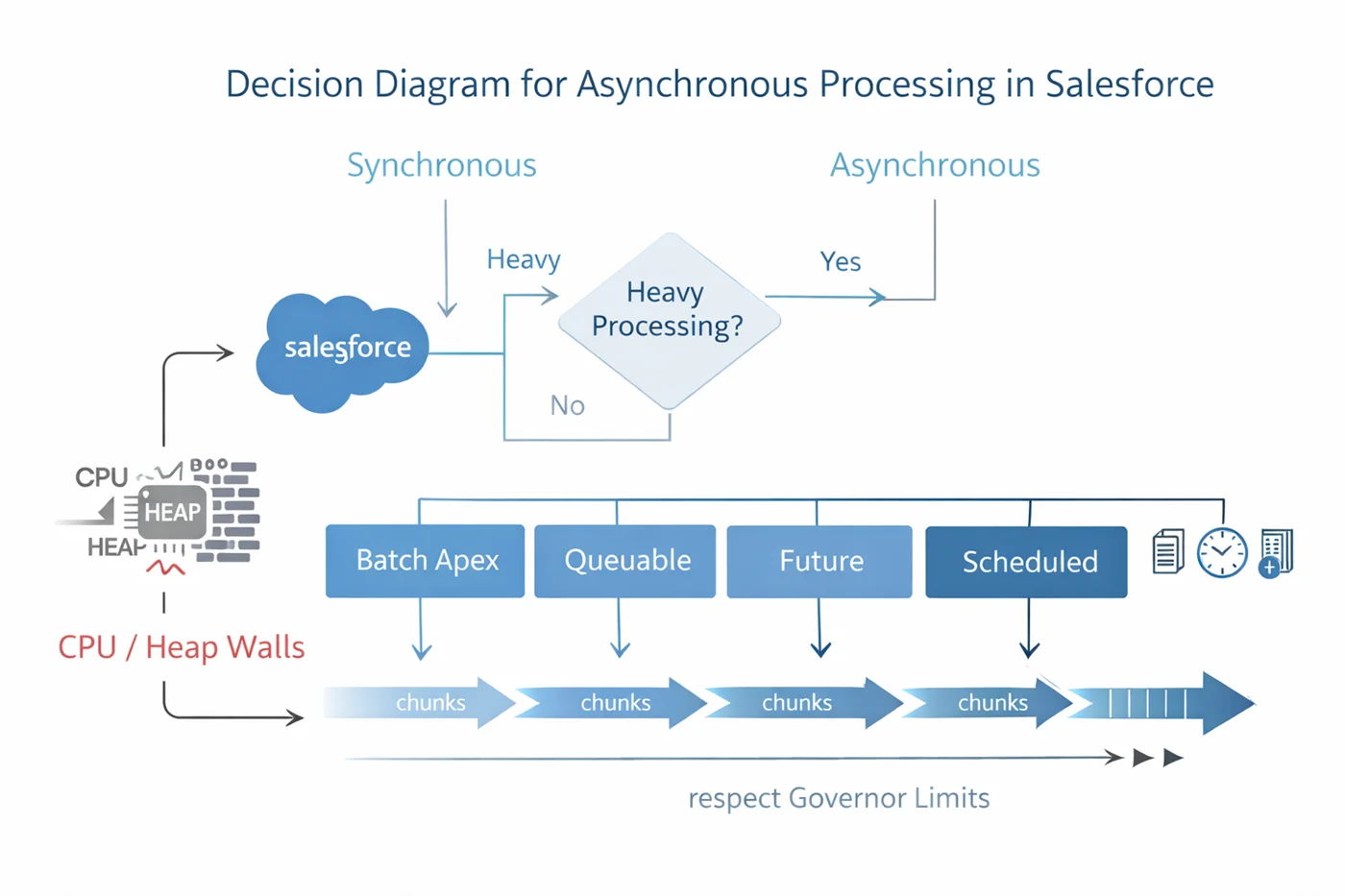
- Store only what you need in memory and move heavy work to asynchronous jobs where limits are more generous.
Batch and asynchronous processing
For large operations like mass updates or integrations, use Batch Apex, Queueable Apex, or scheduled jobs. These allow work to be split into manageable chunks, reducing the chance of hitting synchronous limits.
Practical tip: When designing integrations, use Bulk API for high-volume data loads. It keeps API usage efficient while respecting org-level limits on API calls.
Patterns That Make a Difference
Here are a few architectural techniques that pay off in the long run:
- Bulkify everything
Triggers and code should always handle collections, not single records. This ensures your logic scales and stays within governor limits.
- Design for selective filtering
Queries should return only the records you need. Use filters on indexed fields and avoid “SELECT *” patterns.
- Asynchronous fallbacks
When a process might exceed limits, plan a design that gracefully hands off to a background job rather than failing outright.
Also, When preparing for the Platform Data Architect certification, aspiring architects use SalesforceKing for extra Salesforce Data Architect practice questions and study resources.
Conclusion
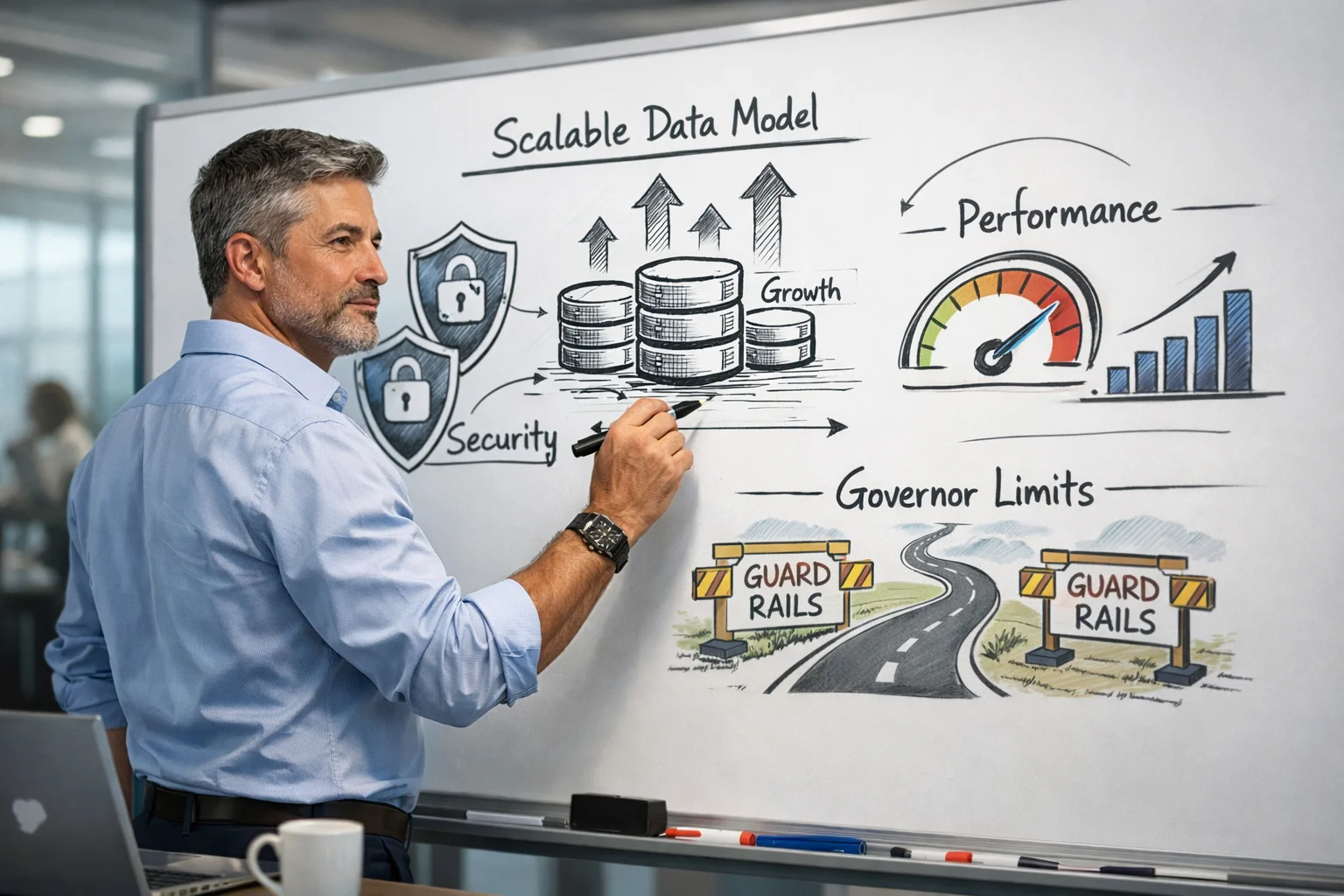
For data architects working in Salesforce, scale, security, and governor limits are not separate topics. They are intertwined aspects of strong architectural design. If your data models are efficient, your security model is tight, and your code respects platform limits, your org will be ready for both growth and complexity.
Resources like SalesforceKing offer up-to-date practice tests, study guides, and tools that many people find helpful when preparing for Salesforce certification exams. Being a successful Salesforce data architect means thinking ahead, designing with constraint in mind, and always questioning how your design will behave under load. This practical mindset is one that aligns with solid Salesforce Data Architect Best Practices and prepares you for both daily challenges and certification goals.