
When you’re starting out as a Salesforce admin, the phrase “clicks not code” probably sounds too good to be true. But here’s the thing: Salesforce’s declarative tools let you configure and customize the platform without writing custom code for every modification. Think of it like using a microwave versus cooking from scratch. You still need to know what you’re doing, but you’re working smarter.
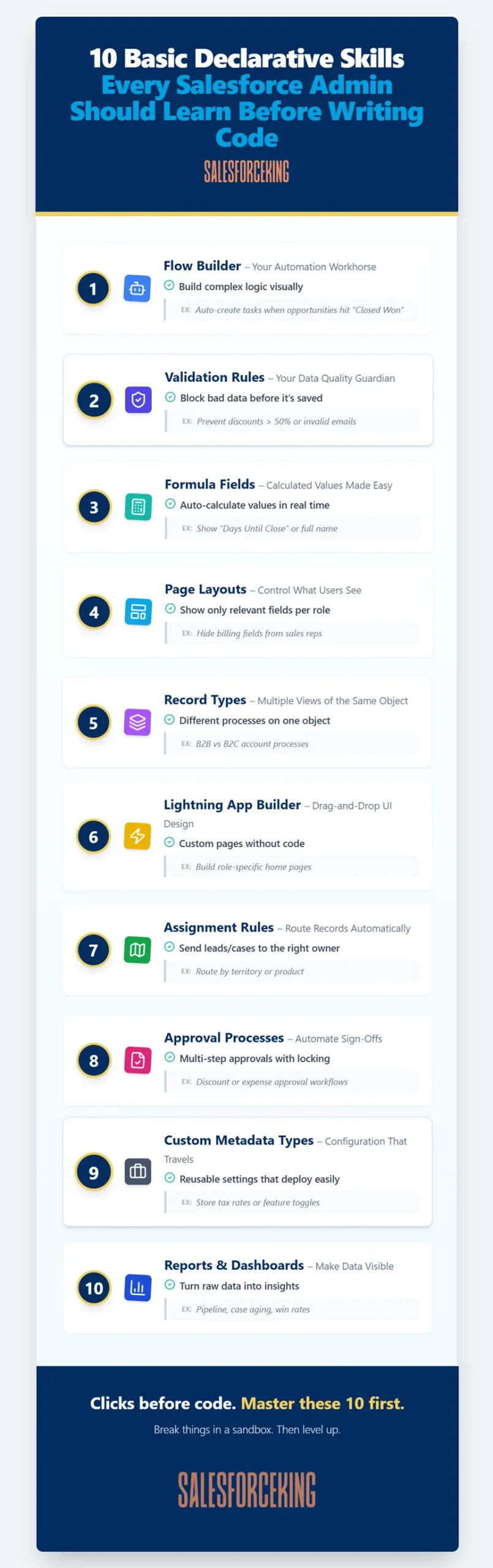
At SalesforceKing, we’ve watched countless admins rush into learning Apex before they’ve really explored what declarative tools can do. Don’t make that mistake. Master these 10 superpowers first, and you’ll solve about 80% of your business problems without touching a single line of code.
1. Flow Builder: Your Automation Workhorse

Salesforce Flow is the most powerful automation tool that admins have at their disposal. You can create records, update fields, send emails, loop through data, and build complex business logic through a visual interface. It’s basically programming without the programming language.
Start simple with screen flows for guided user experiences. Maybe you need to walk sales reps through a qualification process or help support agents gather information before creating a case. Screen flows make it happen with custom forms and conditional logic.
Then graduate to record-triggered flows for automation. When an opportunity closes, you might need to create a project record, assign tasks to the implementation team, and notify the customer success manager. One flow can handle all of that automatically. The learning curve exists, but once you understand how flows think, you’ll build automations that impress even the developers on your team.
2. Validation Rules: Your Data Quality Guardian

Want to stop users from entering garbage data? Validation rules check whether specific fields correspond to indicated criteria, and if the data is correct, the record gets saved. You can prevent impossible dates, enforce phone number formats, or make sure discount percentages stay within acceptable ranges.
Here’s a real example: Let’s say your sales team keeps entering close dates in the past. A simple validation rule can check if the close date is less than today and block the save with a helpful error message. Or maybe you need to ensure that opportunity amounts over $100,000 require executive approval before advancing to certain stages.
The formula syntax takes practice, but once you get it, you’ll wonder how you ever lived without it. Start with simple rules and build complexity as you go. Your data quality will thank you, and so will everyone running reports.
3. Formula Fields: Calculated Values Made Easy
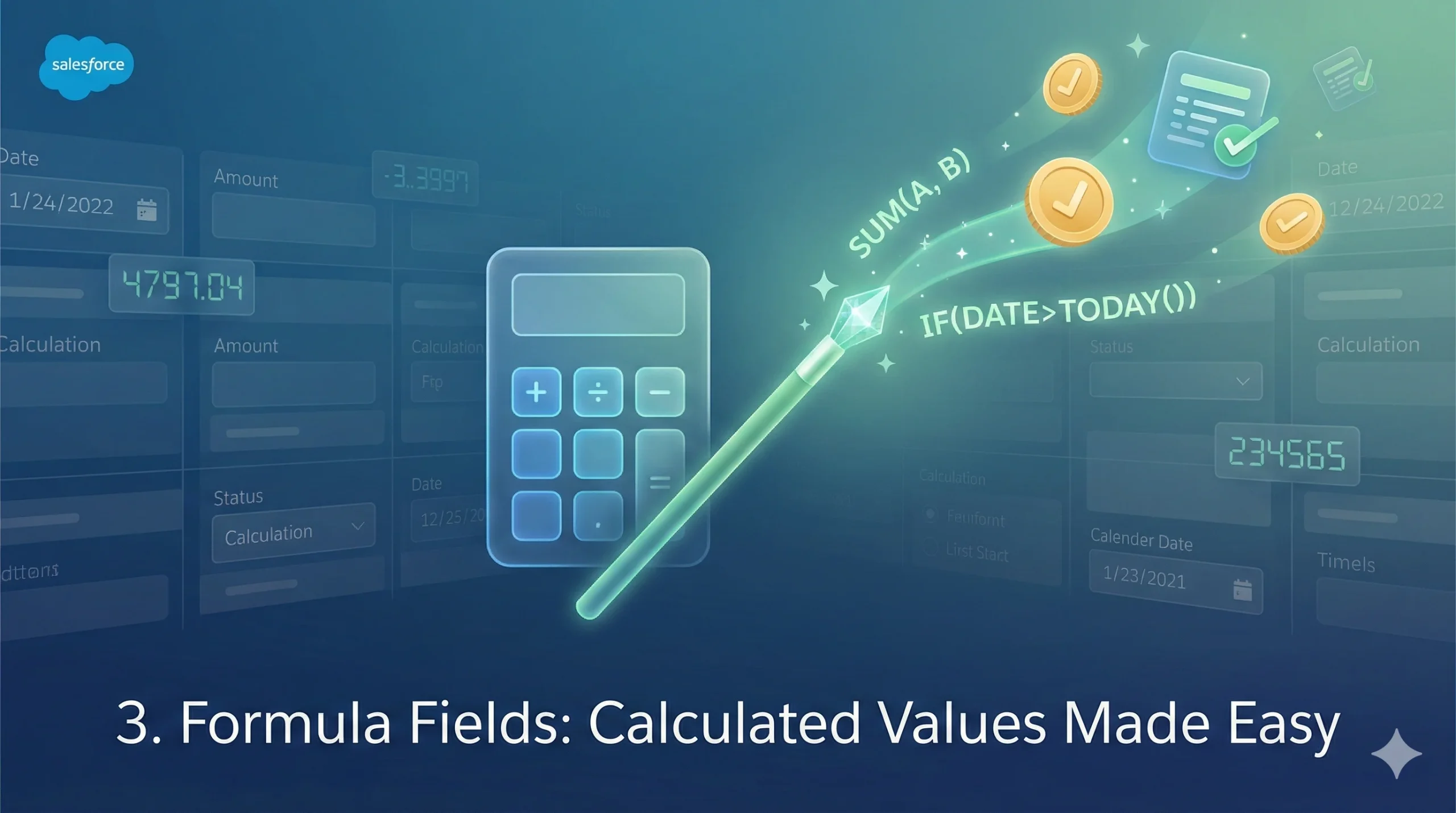
Formula fields automatically calculate values based on other fields in your records. Need to show days until close, calculate age from a birthdate, or combine first and last names? Formula fields handle it without anyone lifting a finger. They update in real time and work across reports and dashboards.
The practical applications are endless. Calculate profit margins by subtracting cost from revenue. Determine if an account is overdue by comparing last activity date to today. Show a red flag icon when opportunities are stalled. All of this happens automatically, which means your users always see current information without manual updates.
Formula fields also play nicely with other features. You can reference them in validation rules, use them in Flow decisions, and filter reports based on their values. They’re one of those foundational tools that amplify everything else you build.
4. Page Layouts: Control What Users See
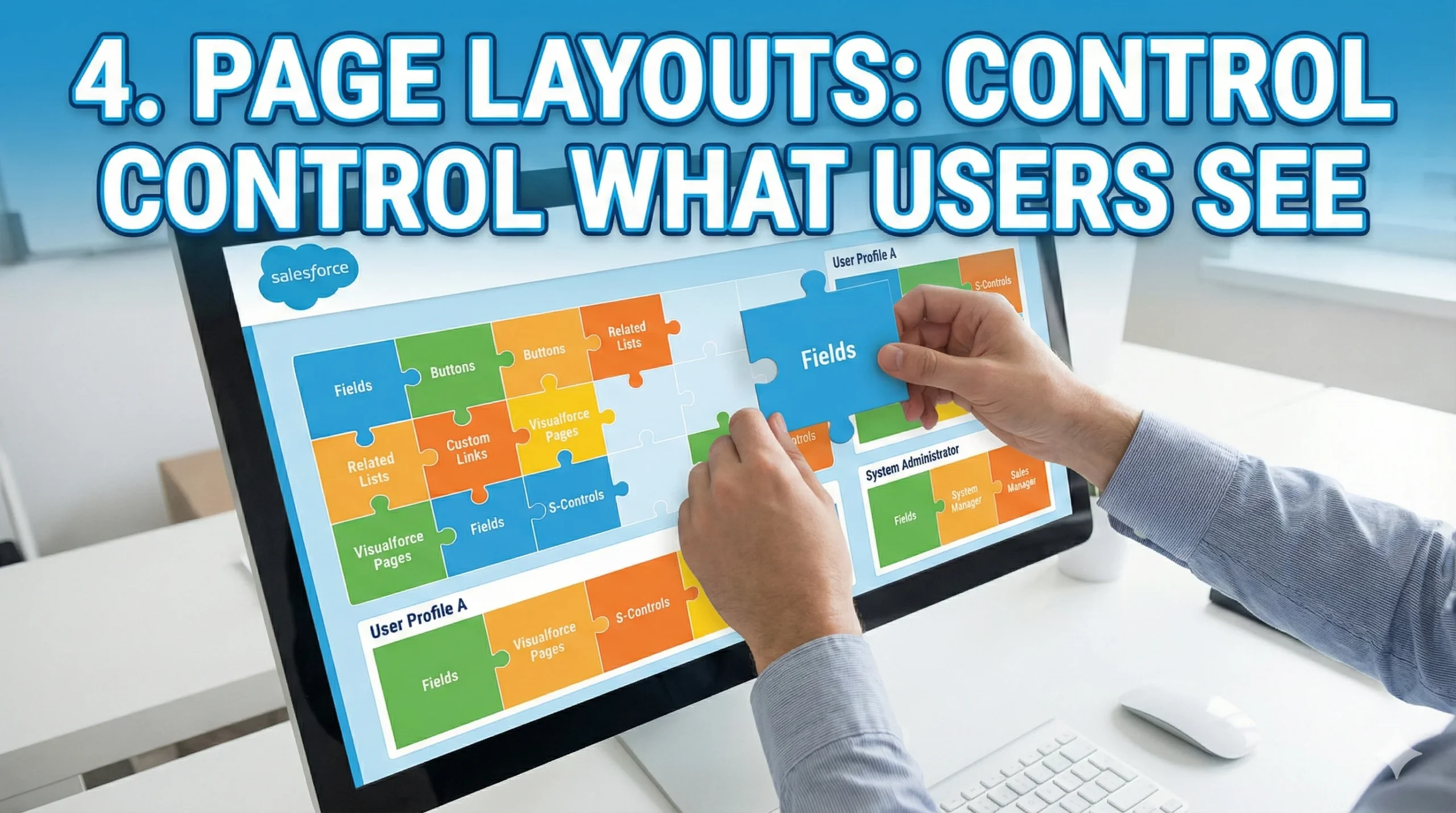
Page layouts determine which fields, sections, and buttons appear on record pages for different user profiles. It’s about showing people only what they need to see. Sales reps don’t need to see the same fields as support agents. Marketing users don’t need access to financial data.
Good page layout design makes your users faster and more focused. When you remove clutter and organize information logically, people can do their jobs without hunting through dozens of irrelevant fields. Group related fields together, use section headers for clarity, and hide fields that don’t apply to specific roles.
You can also control field-level security and make fields required or read-only based on the layout. This gives you granular control over the user experience without building complex permission structures.
5. Record Types: Multiple Views of the Same Object

Record types let you create different business processes for the same object. Your B2B accounts might need different fields and processes than your B2C accounts. Enterprise deals might follow different stages than small business opportunities.
Record types make that possible without creating duplicate objects or confusing your data model. Each record type can have its own page layout, picklist values, and business processes. Users select the record type when creating a record, and everything adapts automatically.
This keeps your data model clean while still supporting diverse business needs. Instead of creating separate custom objects for slightly different processes, you use one object with multiple record types. It’s cleaner, more maintainable, and easier for users to understand.
6. Lightning App Builder: Drag and Drop UI Design

With tools like Lightning App Builder, you can easily design intuitive user interfaces tailored to your business needs. Add charts, related lists, custom components, and more. No coding required. Just drag, drop, and configure.
Want to show key metrics at the top of an account page? Drop in some KPI components. Need to display related opportunities, cases, and contacts all on one screen? Add those related lists. Want to embed a custom dashboard? Lightning App Builder makes it simple.
You can create different page layouts for desktop and mobile, ensuring great experiences across devices. And with dynamic components, you can show or hide elements based on field values or user permissions. The flexibility is remarkable for a point-and-click tool.
7. Assignment Rules: Route Records Automatically

Assignment rules automatically assign leads or cases to the right people based on criteria you set. Geographic territory? Product expertise? Team capacity? Set it once, and the system handles the routing forever.
This eliminates manual assignment work and ensures leads get to the right rep immediately. A lead from California goes to the West Coast team. A case about your premium product goes to specialists. A high-value inquiry goes straight to your senior reps.
Assignment rules also support round-robin distribution and can check multiple criteria simultaneously. They work 24/7, even when your team is offline, so international leads get routed correctly regardless of time zone.
8. Approval Processes: Automate Sign-Offs
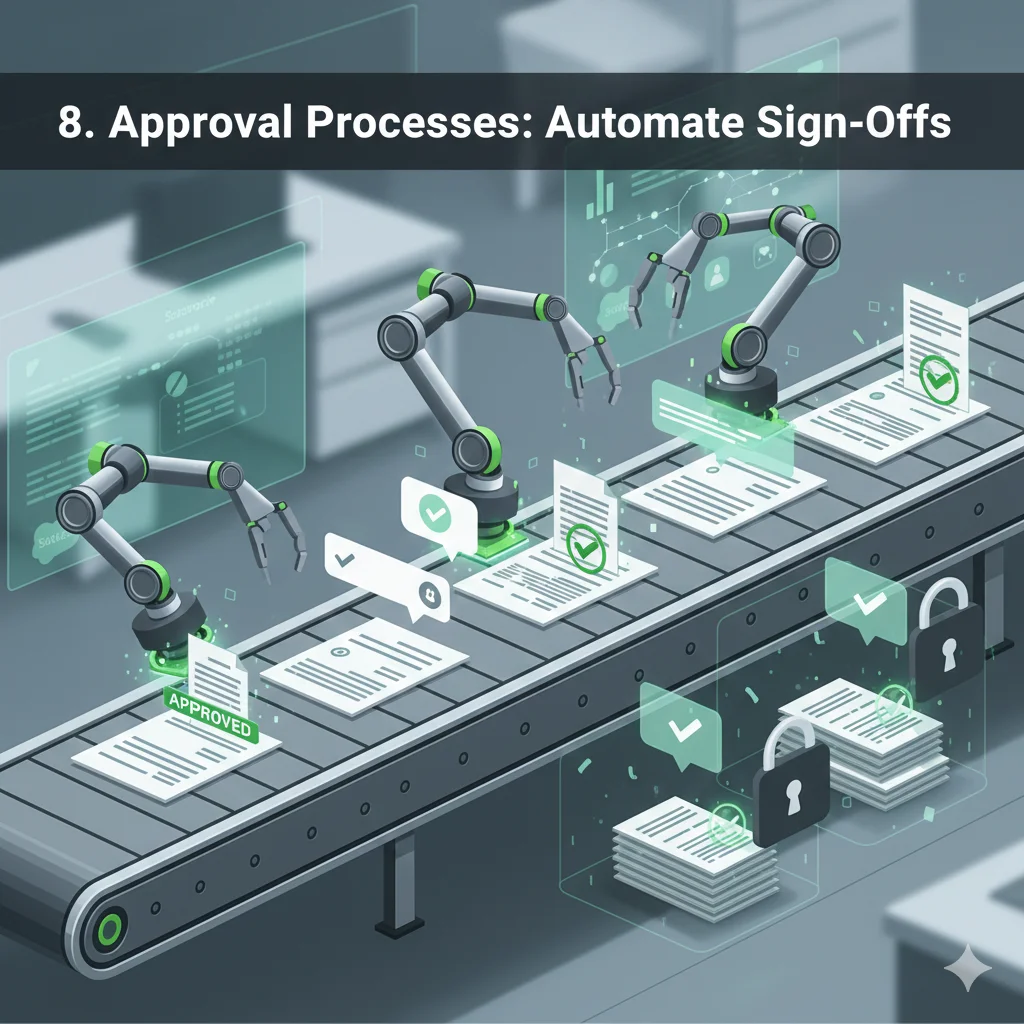
When records need approval before moving forward (think discount approvals or expense reimbursements), approval processes handle the routing, notifications, and record locking. You define who approves what and when.
Build multi-step approval chains where requests go through managers, then directors, then VPs based on the amount. Set up parallel approvals where multiple people must sign off simultaneously. Configure automatic approvals for small amounts and manual review for larger ones.
Approval processes also lock records during review, preventing changes while approval is pending. They send email notifications automatically and track the full approval history. It’s enterprise-grade workflow without enterprise-grade complexity.
9. Custom Metadata Types: Configuration That Travels

Custom metadata types store reusable configuration settings that you can reference in your automation. Think of them as smart lookup tables that your flows and validation rules can query.
The best part? They migrate between orgs like regular metadata, making your solutions more portable and maintainable. Instead of hardcoding values into your flows, store them in custom metadata. When business rules change, you update the metadata records instead of rebuilding automation.
This is particularly powerful for multi-org strategies. Build once in your sandbox with custom metadata for configuration, and your solution works seamlessly when deployed to production. It’s a more advanced technique, but it separates configuration from logic in really elegant ways.
10. Reports and Dashboards: Make Data Visible

This one seems basic, but discovering the perfect Salesforce automation tools to streamline your workflow can turn a towering mountain of data into something as manageable as a molehill. Master report types, cross-filters, and dashboard components. Good reporting changes how your organization makes decisions.
Learn to build matrix reports that show data across multiple dimensions. Use joined reports to combine different data sources in one view. Apply filters that let users customize reports on the fly. Create bucket fields to group values dynamically.
Then take those reports and turn them into dashboards with charts, gauges, and tables. Set up dashboard filters so executives can slice data by region, time period, or product line. Schedule automatic email delivery so stakeholders get updates without logging in.
Reports and dashboards aren’t just about looking at data. They’re about making information accessible and actionable for everyone in your organization. When done well, they drive better decisions and highlight problems before they become crises.
Why Start Here?
Learning these declarative tools first does more than save you time. It teaches you how Salesforce thinks. You’ll understand data relationships, user permissions, and business logic flow. When you eventually learn Apex (and you probably will), you’ll know exactly when code is actually necessary versus when you’re just over engineering.
Plus, with declarative programming, it takes time to build a complex flow, but there are occasions where you would need to read through 30-plus elements on a flow, which would only be 10 lines of code. Knowing both worlds makes you dangerous in the best possible way.
Start with these 10 superpowers. Get comfortable. Break things in a sandbox. Then, when you’re ready, SalesforceKing has resources to help you level up even further. But trust the process. Clicks before code. Always.